

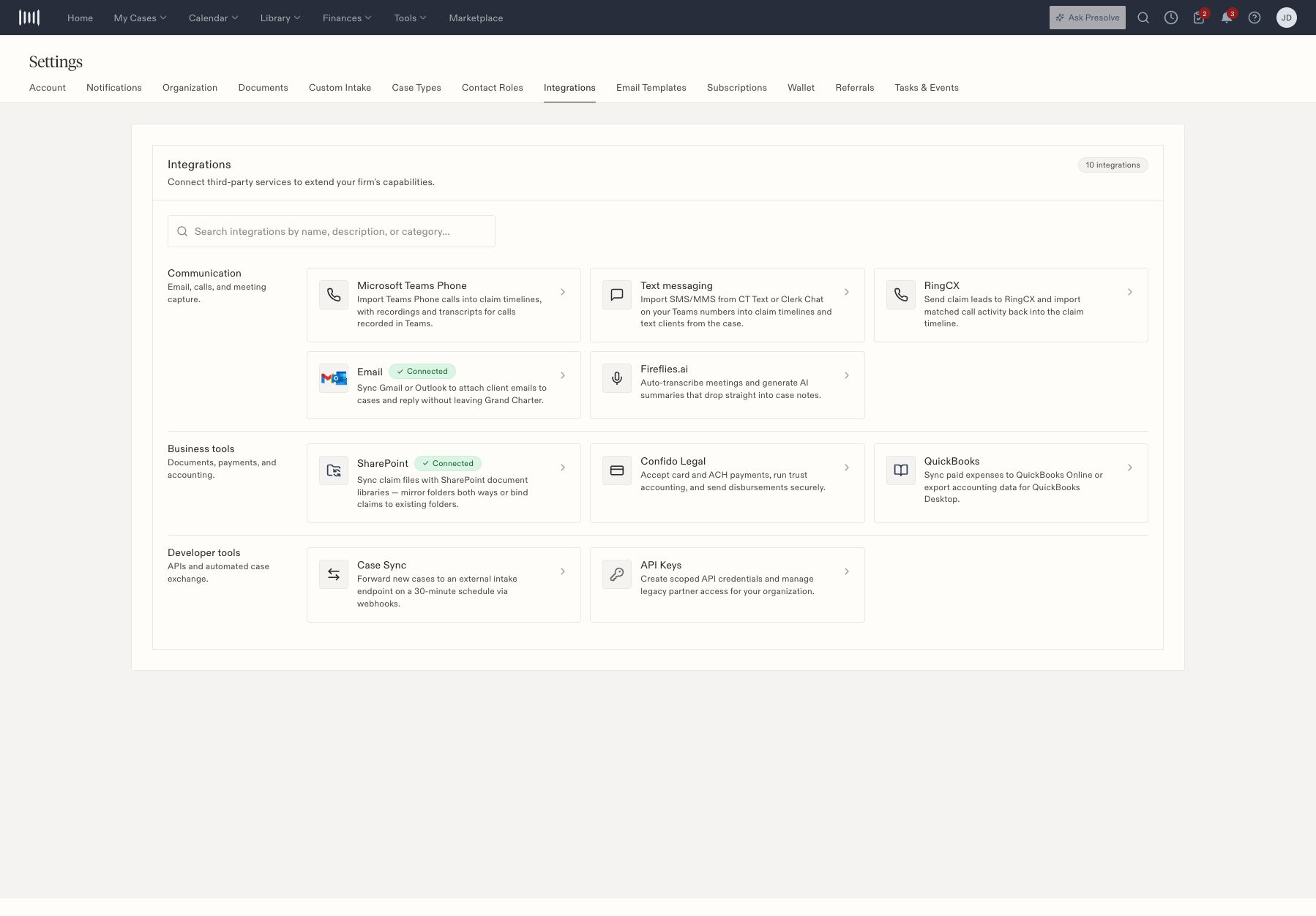
Business-tool and developer-tool entries in Integrations settings.
SharePoint
Review the organization connection, personal connection, and mappings separately. An organization can be connected with no mappings. The settings distinguish folder mirroring and binding cases to existing folders; organization mappings take precedence according to the interface. Before expecting a file to appear, confirm the intended site, document library, mapping, and case-folder binding. Check the same fictional or controlled file at both ends when validating a new configuration. Do not infer that the whole library synchronized from a connected badge.QuickBooks
The QuickBooks entry distinguishes Online synchronization and Desktop export workflows. Open the relevant accounting/export screen and inspect the rows, dates, and mappings before creating an export or sync request. An export preview is a chance to check amounts and destination accounts. A generated file or success message does not prove that QuickBooks imported it. The accounting owner should verify the resulting entries in the destination system.Developer-managed exchange
Case Sync and API Keys are separate developer-tool entries. Have the integration owner confirm the receiving system and required access. Staff do not need API credentials to use ordinary case pages. Link the owner to Developer Guides instead of sharing a personal login. For manual accounting records in Presolve, see invoice staging and disbursement status.Separate SharePoint connection from mapping
- Open SharePoint from Integrations.
- Inspect the organization connection and any personal connection.
- Review the configured mappings; zero mappings is a possible state even while connected.
- When adding a mapping, identify the intended site and document library before proceeding.
- Review whether the process mirrors folders or binds a case to an existing folder.
- Verify a controlled file and its intended case-folder relationship before expecting broader synchronization.