

Review the configuration
Connection methods can vary by environment. If OAuth is unavailable, review the authentication method offered on your setup screen with the integration owner.
Distinguish saving from sending a lead
Case intake can offer Save and Save & Send to RingCentral. A matter can also expose Send to RingCentral. Review the intended destination and automatic-sending configuration before using a send action. Saving an intake, routing a lead, and importing a later call are separate results. Check the relevant case and provider activity when verifying each step.Review imported activity
Open Records → Calls on the intended matter. Check the call participants, time, and available recording details. If an expected call is missing, inspect filters and give the integration owner a specific example, including campaign or queue context when known. After configuration, verify the intended lead-routing and call-import results separately. A setup change alone does not confirm either outcome.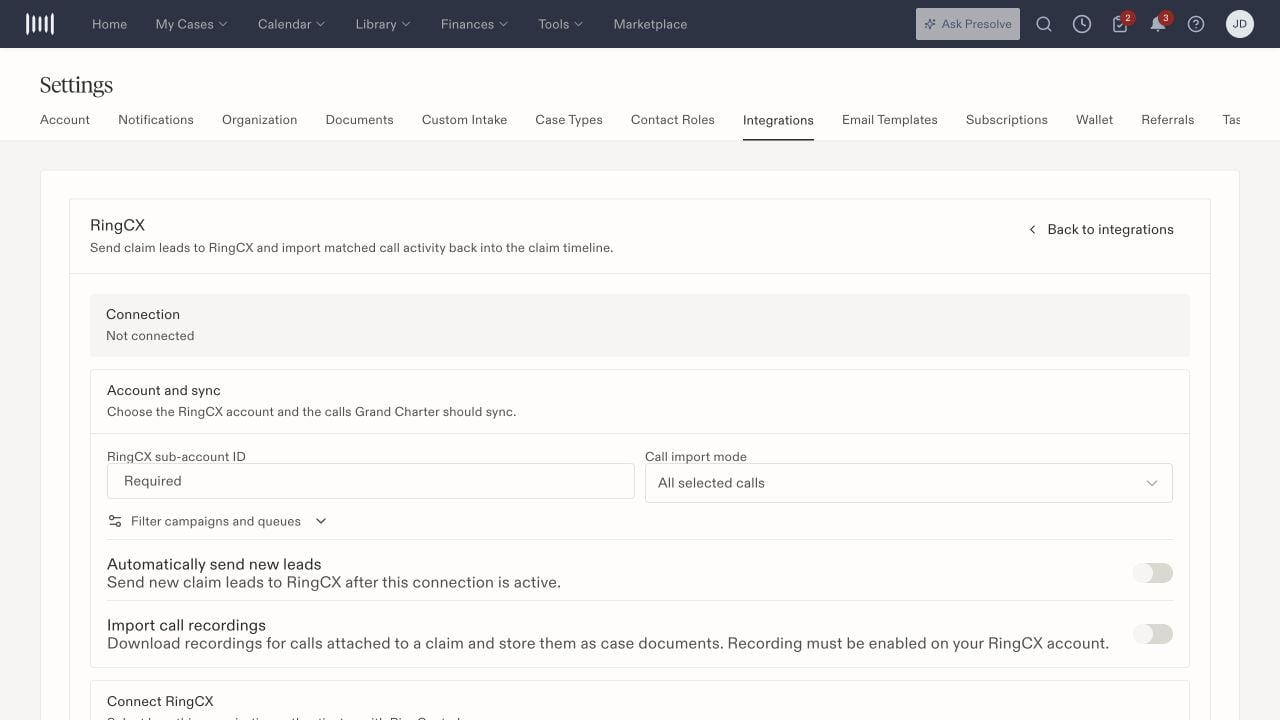
RingCX account and import controls, including automatic lead sending and recording options.