

Add case fields to a task report
- Open Join and select Cases.
- Return to the Fields panel and find the newly available case fields.
- Add the fields needed for the question, such as Case Type.
- Run the report and compare the results with representative tasks.
- Save and reopen the configuration.
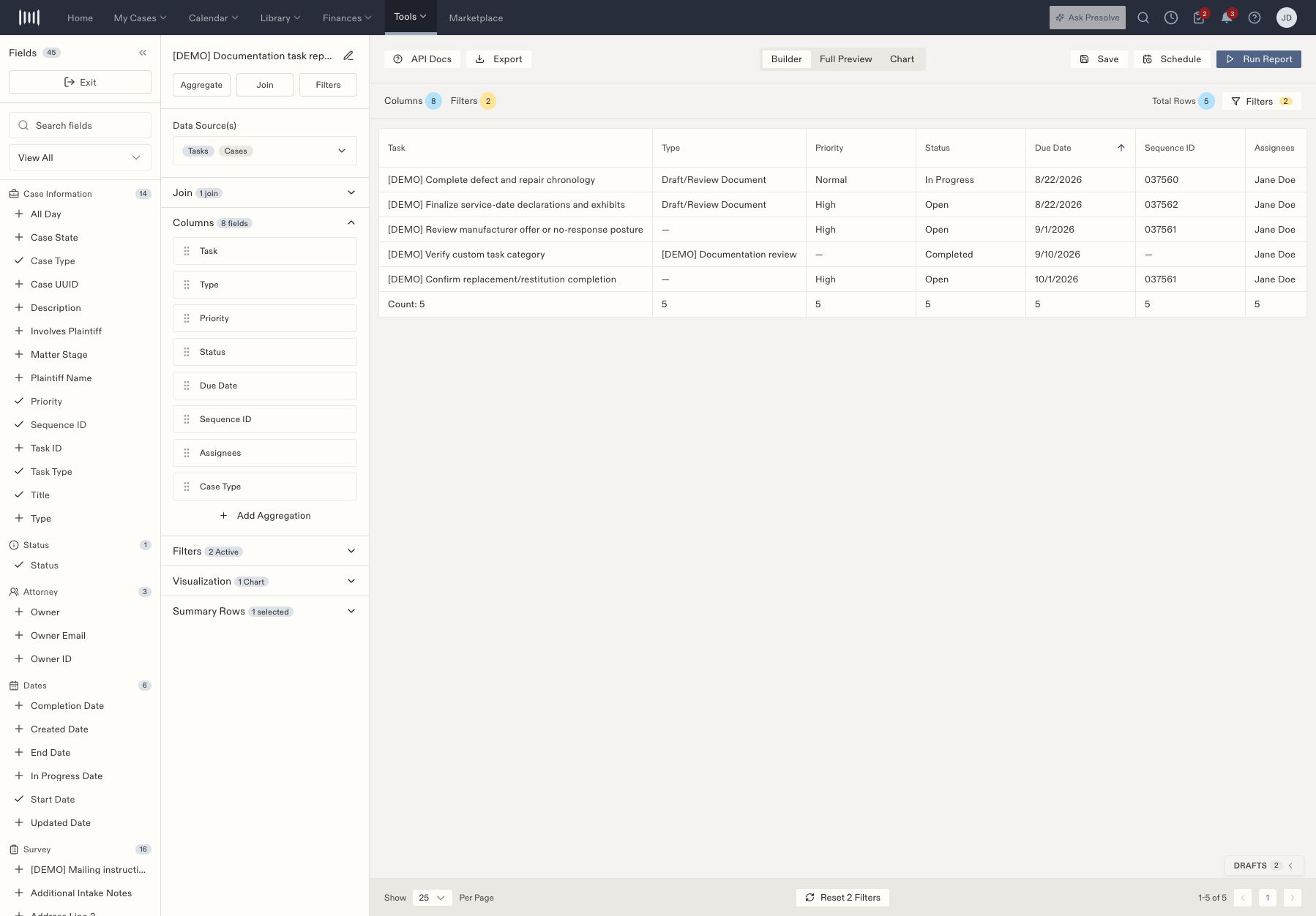
The task report includes a Case Type column from its Cases join.
Review relationship options
For the Tasks source, the Join panel offers Cases, Assignees, and Followers, with LEFT and INNER choices. The people relationships also offer One row per record and Aggregate strategies.
Available fields depend on the source and selected relationship. If a field is missing, inspect the join before switching to a different report template.