

Open the right matter
- Find the record in My Cases.
- Confirm its name, case number, and Case Type.
- Read the current lead or matter stage before starting the next task.
- Expand Intake, Matter, or Case Assets as needed in layouts that use those navigation groups.
Review intake answers
Use the intake areas available on the record, such as Basic Information, Incident Information, and Additional Details. Custom questions appear according to the assigned intake and their visibility conditions. For example, a Mailing instructions question can appear only when Mailing Address Same as Home? is No. If an expected answer is missing, check the controlling answer and ask your administrator to confirm the assigned intake before creating a duplicate field.Use a custom section
Open the named section in Matter navigation. In the example, Review checklist contains an Intake review checklist with two items.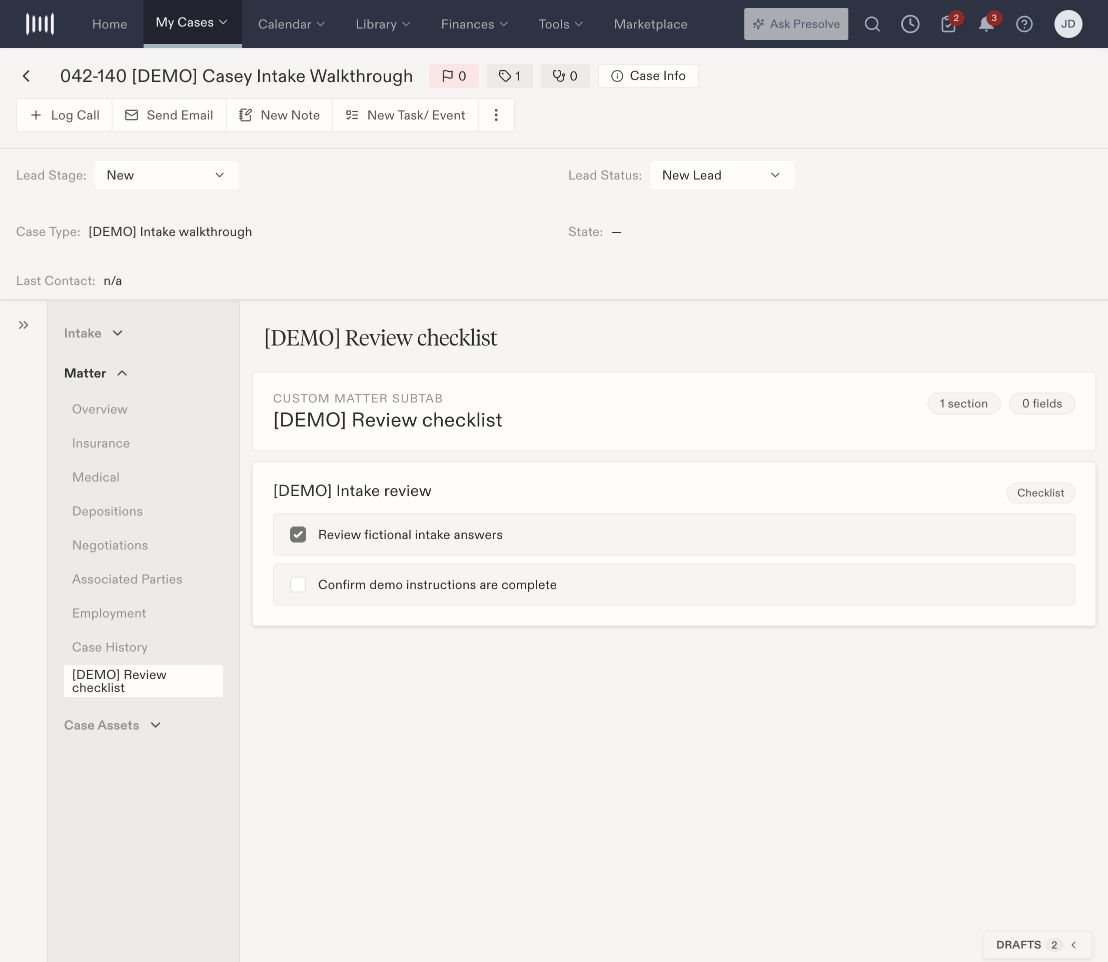
Custom review content sits inside the matter workspace.