

Inspect the connection
The detail screen shows connection/activity state and a Test Connection control. Review the existing connection with the firm member who manages meeting capture before changing it. A connected or active label describes setup state. A connection test and a successfully processed meeting are different checks.Review the resulting case note
- Identify the meeting and the matter where its note should appear.
- Open that matter’s Records → Notes.
- Check search and category filters and find the relevant entry.
- Inspect its date, author/source information, and full content.
- Compare the transcript or summary with the source meeting before using it in case work.
Investigate a missing or mismatched note
Give the integration owner the meeting title/time and intended case. Ask them to check meeting processing and case matching. Avoid creating multiple copies of a note simply because a filtered list initially appears empty. Use connection state to review setup, then verify the meeting’s processing and resulting case note separately.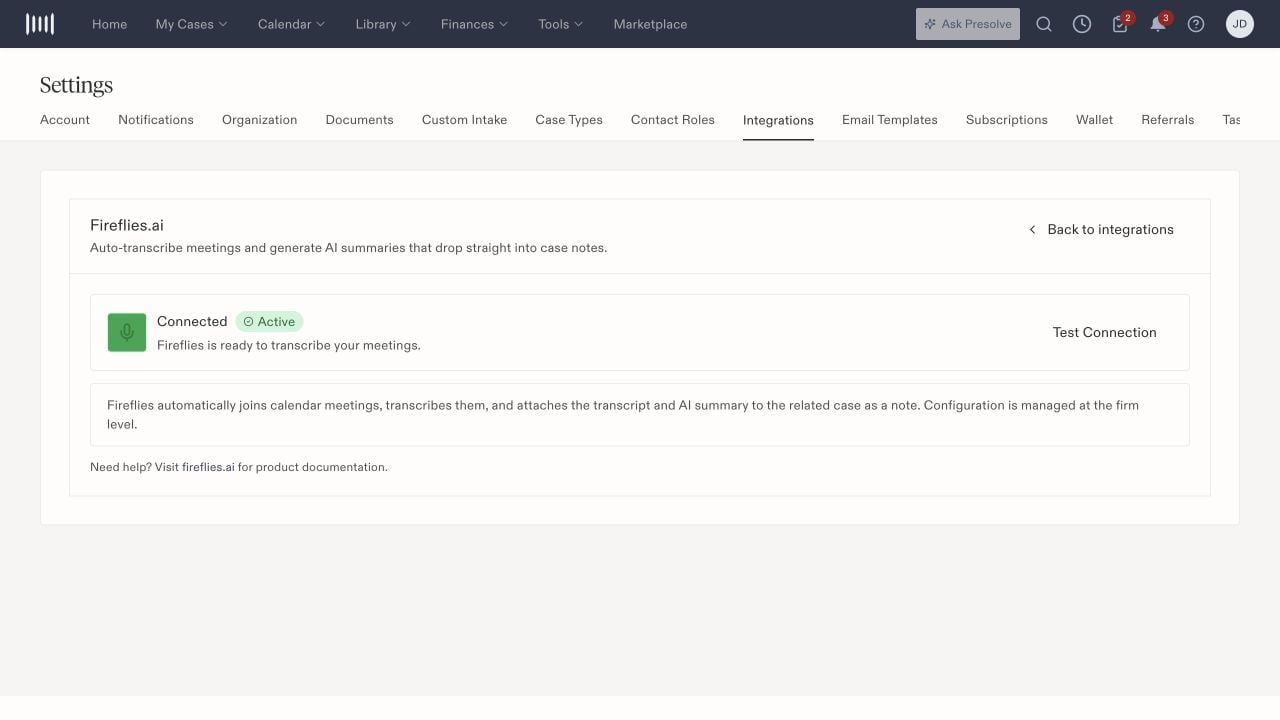
Fireflies connection state and the Test Connection control.