

Create the event
- Select Event in the drawer.
- Choose the event type, such as Meeting, and enter a descriptive title.
- Use Add Details for the description.
- Check the start and end dates and times. Leave recurrence at Does not repeat for a one-time meeting.
- Review the case, assigned user, followers, and reminders.
- Check Meeting Link, Email Invites, and Notify Client. Enable them only when they are part of the intended event.
- Select Create Event.
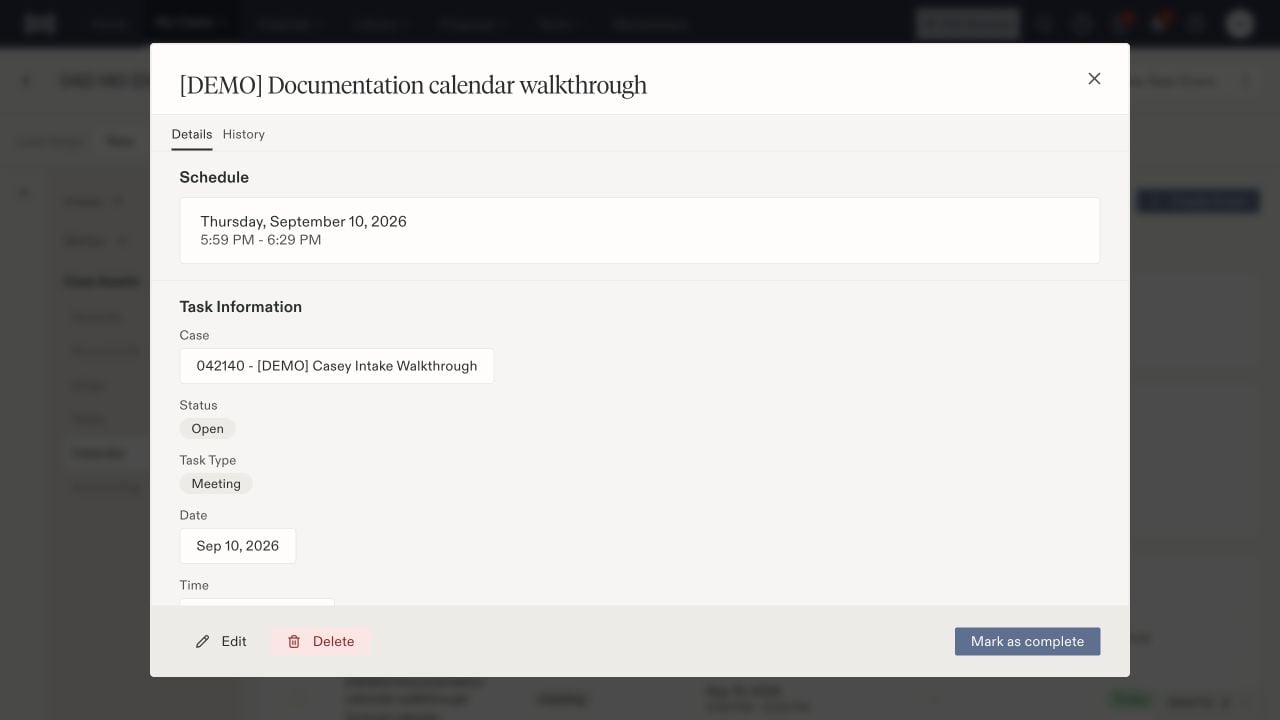
A saved event shows its schedule, linked case, type, and status.