

Choose the account to manage
For Gmail, use the connection entry for the intended mailbox. For Outlook, open Manage Accounts and inspect the listed account before choosing another action. The account-management dialog offers Disconnect and Connect Outlook. Confirm with your firm whether the mailbox should belong to an individual or serve a shared process before changing a connection. Disconnect is an account-management action; it is not a filter for hiding one message.Check messages on a matter
- Open the intended matter and select Records → Emails.
- Review the active search and category filters.
- Check the sender, recipient, subject, and date of the message you need.
- If appropriate to your firm’s process, use the Records Sync control to check for new messages, then inspect the resulting list.
Prepare an outgoing message
Use Compose Email in Records or Send Email in the matter header. Review the sending account, recipient, subject, body, and any attachments before sending. Opening the composer or saving other case information does not establish delivery. This guide covers connection and account management. For delivery questions, verify the specific message in the sending mailbox and the intended case record.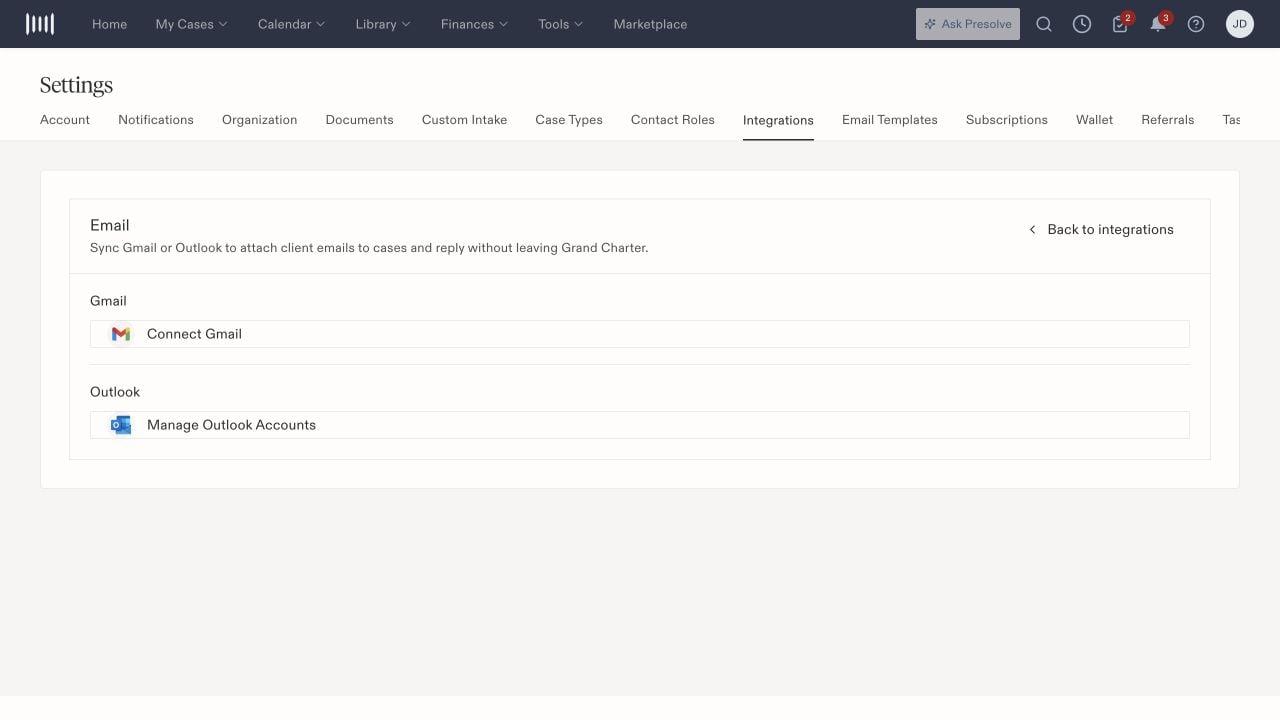
Email setup provides separate Gmail connection and Outlook account-management controls.