

Identify the configuration
The configuration form includes an enable switch, endpoint, masked key, source field, Save Changes, and a payload reference.
Use the Developer Guides for technical coordination. Do not substitute a staff member’s personal login for an integration credential.
Understand the displayed schedule
The screen describes a 30-minute interval, skipping cases that already have a partner ID, and storing a returned partner ID. Those details help the integration owner investigate a particular case; the interval description is not confirmation that a specific record was received.Report an exchange issue
Identify the Presolve case and the expected receiving system. Have the owner inspect enablement, saved settings, the partner relationship, and the receiving system’s record. Avoid repeatedly changing configuration to investigate one missing case. Keep credentials with the integration owner. Verify successful receipt in the destination system separately from saving these settings.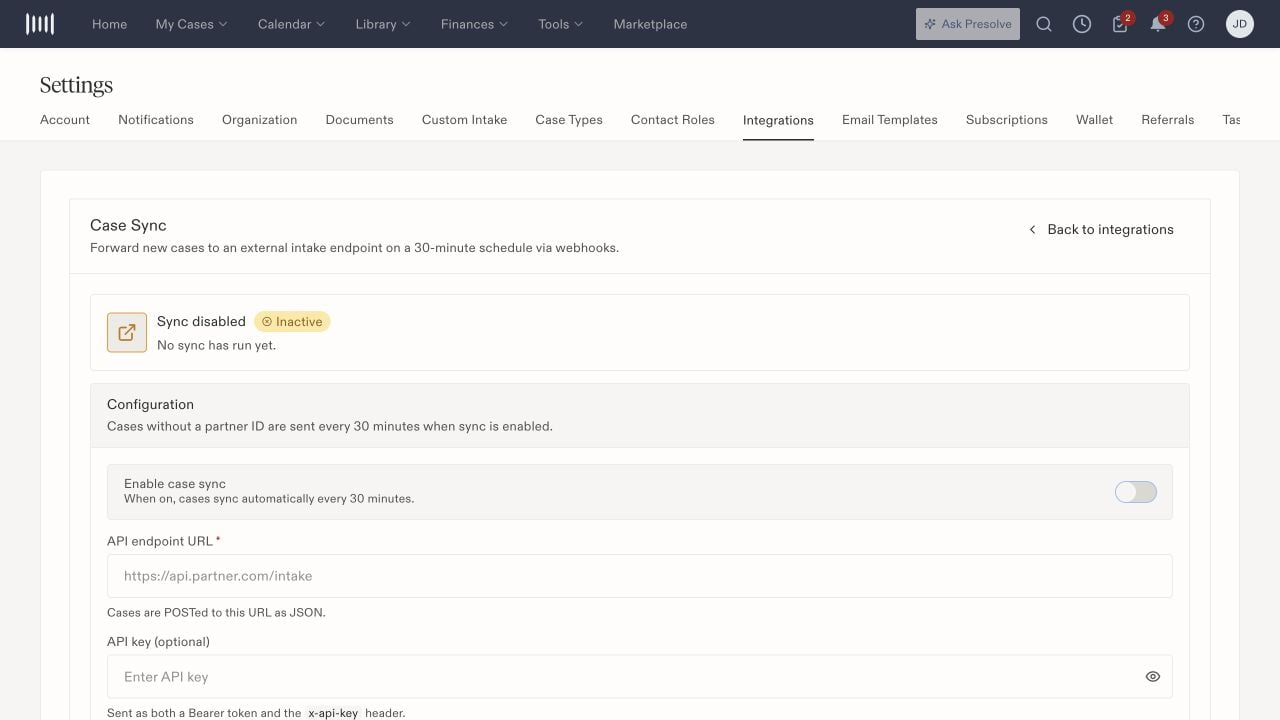
Case Sync enablement and destination configuration.